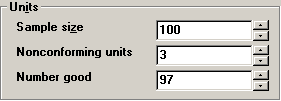
The method you use for entering the number of good units depends on the way that your GainSeeker Administrator has configured DMS Data Entry and on the way that you collect data.
Automatically log missing units as defective units
If the Sample size is the total number of units that should be present for inspection and the Nonconforming units is the number of defective units, then the Number good should equal the number of defect-free units in your sample.
However, if you did not count this many defect-free units during inspection, you should enter the actual number of defect-free units in the Number good box.
GainSeeker will automatically count the number of missing units and flag them with the appropriate defect. Click here for an example:Click here for an example:
Each day you inspect a box of 100 parts. Today you found 3 defective parts in the box.
However, you found only 95 good parts, not 97. So you enter a Number good of "95".
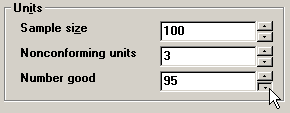
When you save this data, GainSeeker will log the 3 parts with defects and also the 2 missing parts.
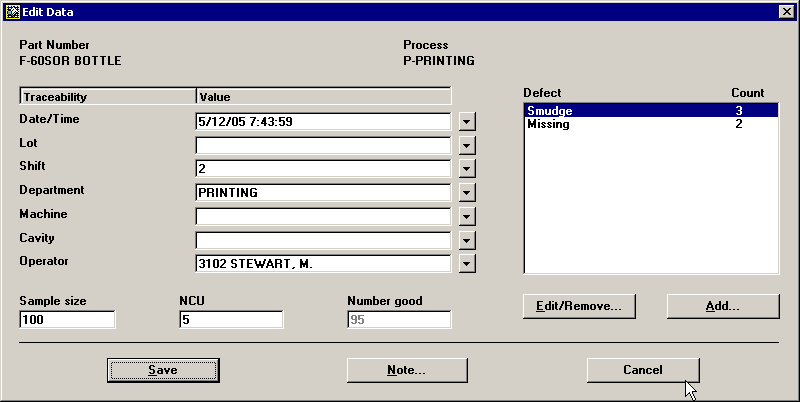
After entering the Number good, you can proceed to Adding Notes and Events.
No automatic logging of missing units
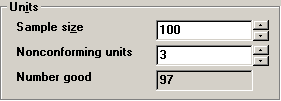
If the Number good box is visible but cannot be changed, your system has not been configured for automatic logging of missing units.
For this type of data entry, you do not need to enter the Number good, so you can proceed to Adding Notes and Events.
More: