Using the Scroll feature - PC Collect
A scroll bar displays on a sub-inspection page when information or tests fall below the normal display line on the sub-inspection page of the Inspection Viewer.
Fig. 1
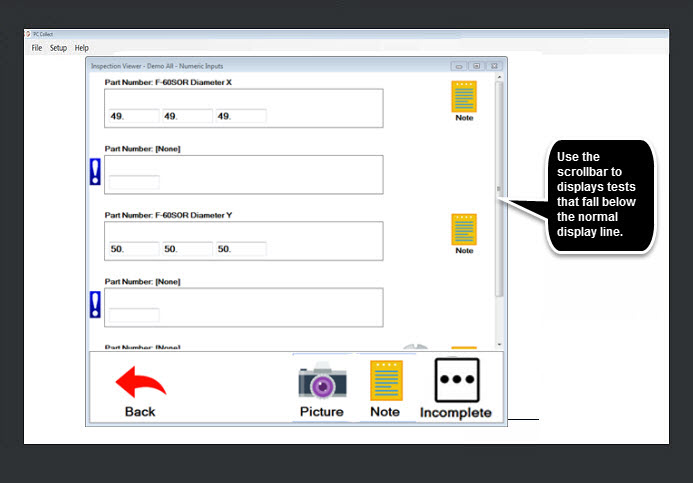
Displaying hidden items
To display any hidden items, click the scrollbar and:
-
Drag it up or down (Fig. 2) on vertical scroll bars
-
Drag it from side to side on horizontal scroll bars
Fig. 2

Using other PC Collect features