
As you enter the measurements for a data subgroup, the program automatically displays those measurements on the data entry screen.
The program can display up to eight measurements at one time. If the subgroup size for this standard is larger than 8, you can view additional measurements by clicking the  and
and  buttons.
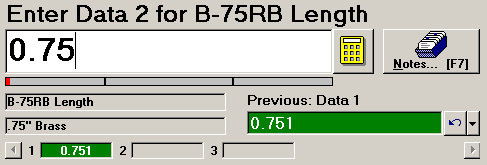
Example components displayed during a data entry session.